
Sep 17, 2026
charity golf tournament flyer, golf tournament templates, charity event marketing, flyer design tools, golf fundraiser
Explore 7 tools for creating a charity golf tournament flyer, with template examples, sponsor placement tips, calls to action, and print guidance.

Most advice about a charity golf tournament flyer starts with the wrong question. It asks how to make the design look polished, when the more important question is whether a reader can understand the cause, event details, sponsor value, and registration action at a glance. Charity golf is a substantial fundraising channel, with an estimated 140,000 charitable golf events held annually, more than 15 million participants, and almost $3 billion raised collectively according to this U.S. charity golf fundraising benchmark.
The seven tools below support different workflows, from fast template editing to professional print production. Each one is evaluated for fundraising clarity, sponsor hierarchy, registration conversion, reusable collateral, and dependable print or digital delivery. The strongest design can move from clubhouse printing to sponsor packets, email, and social sharing, provided you adapt the file instead of forcing one layout into every channel. For print dimensions and paper planning, use the Dirt Cheap Product flyer size guide.
1. Canva
Canva is usually the fastest route from a blank page to a credible charity golf tournament flyer. Its dedicated golf tournament gallery, drag-and-drop editor, stock assets, brand controls, team collaboration, and mobile app suit volunteer committees and small nonprofit teams that can't wait for a designer.
The speed is valuable, but templates can encourage decoration before message hierarchy. Start by replacing the sample headline with the beneficiary and event purpose, then place the date, course, format, registration price, and primary action in a clear reading order. Sponsor logos should sit in a defined band or tiered area, not compete with the event name or registration button.
Canva supports QR codes, high-resolution image exports, and print-ready PDFs. That makes it practical to create a letter-size clubhouse version, a sponsor-packet PDF, and a social graphic from one master design.
Practical rule: Put “Scan to register” beside the QR code, and include the direct URL in digital versions for people who'd rather tap than scan.
Where Canva works best
Use Canva when several people need to review or update the flyer. Version history and shared editing reduce the risk of an old sponsor logo or outdated registration deadline surviving in circulation. You can also create a tournament logo and apply it consistently across the flyer, signage, email header, and social posts. This tournament logo guidance is useful when the event needs a recognizable mark.
The main trade-off is control. Some premium templates and assets require a paid plan, and typography and layout precision don't match professional desktop-publishing software. Canva's official design platform remains a strong choice when speed, accessibility, and reusable campaign assets matter more than intricate print production.

2. Adobe Express
Adobe Express is a better fit when typography and brand consistency matter more than having the largest possible golf template library. Its golf flyer templates, Adobe Fonts, background-removal tools, brand kits, shared libraries, and browser or mobile editing give organizers a polished starting point without requiring a full Illustrator workflow.
A charity flyer needs restraint. Use one dominant headline that connects the outing to its beneficiary, then give the registration action a stronger visual position than secondary information such as dinner details or contest rules. Adobe Express makes it easier to control font pairing, spacing, and image treatment, which helps a sponsor-heavy layout remain readable.
A clean hand-off from design to promotion
Adobe Express can export print and social formats and supports scheduled social posts. That matters when the committee needs one visual identity across a printed flyer, an email image, and repeated social promotion. Build the master design with generous margins, then create a separate mobile version with less copy and a larger QR code or registration prompt.
The platform also hands work off smoothly to other Adobe applications. A designer can begin with a simple template, then move into a more advanced workflow if the event grows into a full campaign with sponsor ads, signage, tickets, and presentation graphics.
The limitation is access. Some stronger brand and editing features sit behind the Premium plan, and the golf-specific collection is smaller than Canva's or PosterMyWall's. Review every template as a fundraising asset, not merely an attractive poster. The Adobe Express editor is most useful when the committee already values Adobe's ecosystem and wants more typographic polish than a basic template tool provides.
3. PosterMyWall
PosterMyWall favors speed and variety. Its large gallery of golf and charity tournament designs lets an organizer produce a polished U.S. Letter flyer quickly, then resize it for social posts, posters, or other promotional placements. That workflow fits a committee that needs a usable file today and doesn't have a designer available.
The best templates leave room for fundraising information. Avoid layouts dominated by a dramatic golfer image if the beneficiary, sponsor promise, and registration price are squeezed into small type. Replace generic copy with a cause-led headline, a concise mission statement, and one clear CTA. If sponsorship is a major revenue stream, place the presenting sponsor prominently and group supporting sponsors beneath it in a consistent hierarchy.
PosterMyWall also offers stock photos, video, simple animation options, direct print ordering, and self-downloads. Those features help when the same campaign needs a static clubhouse flyer, a sponsor email attachment, and a short social animation. Create a master version first, then duplicate it for each channel instead of shrinking the print design until it becomes unreadable on a phone.
The trade-off in a broad template catalog
A broad gallery doesn't guarantee consistent quality. Review the alignment, logo space, license terms, and export resolution before committing. Asset licensing can vary by plan or download, while advanced layout control is more limited than in professional desktop-publishing tools.
The golf tournament invitation templates can help with wording and registration flow, especially when the flyer must connect to a digital registration page rather than carry every detail itself. PosterMyWall's official design platform is a practical choice for rapid variations, but proof every QR code, sponsor name, date, and beneficiary statement separately.
4. MyCreativeShop
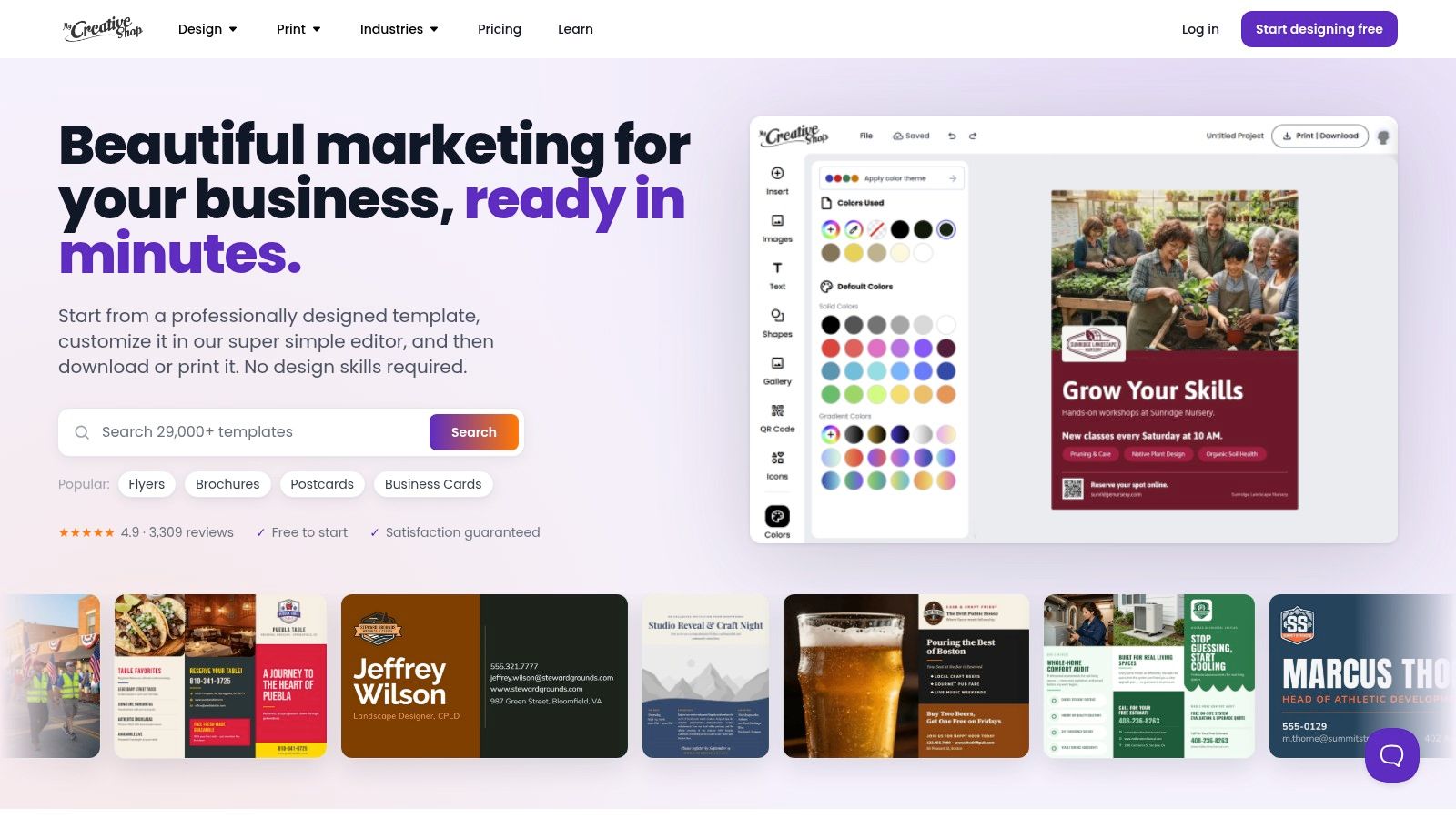
MyCreativeShop is built around a practical print-first workflow. Its golf tournament and charity flyer templates are clean, brandable, and easier to adapt than a blank professional design file. Organizers can work toward print-ready PDFs with bleeds, choose different formats such as letter or half-page, and optionally order prints through the platform.
That print orientation solves a common problem. A flyer may look fine on screen but fail at the print shop because the document lacks bleed, uses weak image resolution, or places text too close to the trim edge. MyCreativeShop makes those production requirements more approachable for committees that want a professional result without learning desktop-publishing software.
Keep the fundraising message above the fold
Use the upper portion of the page for the event name, beneficiary, date, course, and primary registration action. Put the sponsor hierarchy in a visible but controlled block, with the presenting sponsor larger than supporting logos. Reserve the lower section for contact information, participation options, donation instructions, and any required legal or tax wording.
The platform's templates are intentionally less effect-heavy than many consumer design tools. That's an advantage for a charity outing where readers need to find information quickly, but it can feel limiting if the event requires an elaborate visual identity or gala-style treatment.
The Pro upgrade enables universal print-ready downloads, while the asset library is smaller than Canva's or Envato's and offers fewer advanced effects. The MyCreativeShop design and print service fits organizers who prioritize dependable physical collateral, especially flyers distributed in clubhouses, local businesses, sponsor offices, and mailed packets.
5. Visme
Visme earns its place when the flyer is only one part of a broader sponsor and fundraising campaign. It combines flyer templates, brand management, shared asset libraries, multiple export formats, and charts or diagrams that can help explain sponsorship levels, beneficiary impact, or event participation options.
A charity golf outing often needs more than a poster. The same visual system may appear in a sponsor deck, auction signage, registration graphics, dinner slides, cart signs, and social posts. Visme's shared assets and team workflow make it easier to keep logos, colors, and mission language consistent across those materials.
Make information support the action
Visme gives you enough flexibility to create an information-rich layout, but flexibility can produce clutter. The flyer still needs one dominant action. Lead with the cause and event name, show the core logistics immediately, and use a clear registration area with a QR code and direct URL. Sponsor benefits can follow, but they shouldn't force the reader to search for the way to participate.
Charts and diagrams are useful when a sponsor needs to understand what support funds or what a package includes. They are less useful when they replace a concise beneficiary statement. A donor should know who benefits and where proceeds go without decoding an infographic.
The platform has fewer golf-specific templates than Canva or PosterMyWall and takes longer to learn for a one-off flyer. The Visme visual content platform is best for teams managing multiple coordinated assets, not for someone who only needs a quick announcement by the end of the afternoon.
6. Envato Elements
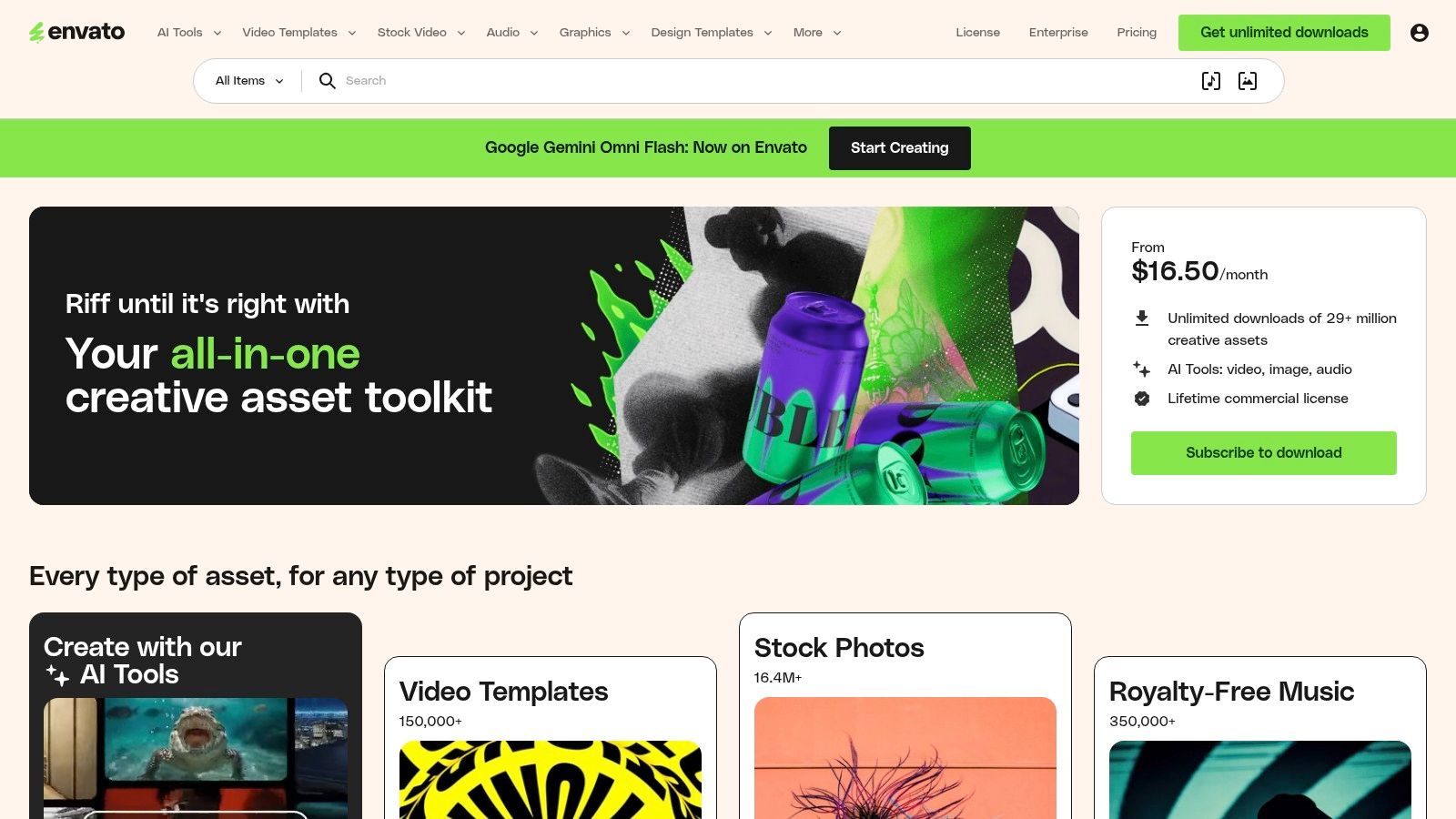
Envato Elements is the option for organizers who want an agency-style design and have access to professional editing software. Its marketplace includes designer-made golf flyer files in Illustrator, Photoshop, and EPS formats. Those files can provide stronger control over CMYK preparation, typography, image placement, and print specifications than browser-based template editors.
That control matters for a high-profile charity pro-am, formal gala outing, or event with demanding sponsors. A designer can create a flyer, poster, ticket, social set, sponsor card, and presentation slide from related source files instead of assembling each asset from unrelated templates. The subscription model can offer good value when the committee needs several assets, but it makes less sense for a single simple flyer.
Production quality comes with production responsibility
The main barrier is editing. Illustrator or Photoshop experience is usually necessary, and organizers must inspect linked images, fonts, color settings, bleed, and export profiles before sending files to a printer. A premium template doesn't automatically create a fundraising message. You still need to establish a clear cause-led headline, present sponsor tiers in order, and make registration the easiest next step.
Envato templates commonly target CMYK and 300-DPI print production, but verify the individual file rather than assuming every marketplace asset is configured identically. Licensing also needs attention. The commercial license included with a subscription should be reviewed for the specific use and event collateral.
Subscription pricing tiers changed in 2026, so confirm current rates and limits on the Envato Elements marketplace before budgeting. Use this route when design quality and editable source files justify the added production work.
7. Vistaprint
Vistaprint fits charity golf outings where dependable physical delivery matters more than specialized golf design. Its online editor supports common flyer sizes, including 8.5 by 11 and 11 by 17, plus paper stocks, finishes, bulk orders, mailers, saved projects, and reorders. Organizers can upload a PDF from Canva, Adobe Express, or another design tool, then use Vistaprint for production.
This split keeps the work practical. Build the flyer around the beneficiary, registration call to action, and sponsor hierarchy first. Use Vistaprint to print it consistently. For an annual outing, save the project and update the event date, venue, sponsor roster, and QR destination instead of rebuilding the order.
Print for the places people actually see it
Clubhouse boards, pro shops, sponsor packets, community businesses, and local mailers create different viewing conditions. Choose a larger format when readers will stand back, a standard sheet for handouts, and a digital export for email or social distribution. A phone audience needs larger type and a tighter message than a desk flyer.
Vistaprint's templates are more generic than those on specialized design platforms. Final pricing also changes with paper, quantity, finish, and promotional offers. Proof the preview carefully, especially the QR code, sponsor logos, fine print, and registration deadline. For related on-course collateral, see this golf event signage guide and learn how to plan golf cart signs.
The Vistaprint printing platform suits U.S.-based organizers who need bulk printing, shipping, and straightforward reorders. Its production workflow is reliable, but a generic template can weaken the event's cause story and reduce sponsor visibility. Use a custom design upload when fundraising clarity and sponsor recognition matter more than editing speed.
Charity Golf Flyer: Top 7 Platform Comparison
Tool | Implementation Complexity 🔄 | Resource Requirements & Cost 💡 | Speed / Efficiency ⚡ | Expected Quality / Impact ⭐📊 | Ideal Use Cases |
|---|---|---|---|---|---|
Canva | Very low, drag-and-drop, beginner friendly | Free tier; Pro for premium assets and brand kit | Very fast, templates + mobile app enable quick delivery | Good attractive social/print assets for non‑professionals | Quick flyers, social assets, team collaboration |
Adobe Express | Low–medium, template-driven with Adobe UI | Free/basic; Premium unlocks full brand controls and fonts | Fast for templated work; smooth hand‑off to Adobe apps | Polished typography and stronger brand control | Brand‑consistent flyers; users in Adobe ecosystem |
PosterMyWall | Very low, template-first, minimal learning | Low-cost per-download; licensing varies by plan | Extremely fast for US‑Letter print and one‑click resizing | Reliable print-ready flyers; limited advanced layout control | Clubhouse print flyers, sponsor handouts, fast prints |
MyCreativeShop | Low, print-focused editor with simple workflow | Pay per print or pro features; smaller asset library | Fast for producing print-ready PDFs with bleeds | Clean, print-optimized results for physical distribution | Print-first flyers, ordered prints with bleed requirements |
Visme | Medium, broader feature set, steeper learning curve | Subscription with team/shared libraries | Moderate, better for multi-asset campaigns than one-offs | Strong for coordinated collateral and data visuals | Sponsor decks, signage, multi-asset event campaigns |
Envato Elements | Medium–high, templates require desktop editing (AI/PSD/EPS) | Subscription includes commercial license; needs Adobe apps | Slower if editing in Illustrator/Photoshop | Agency-grade, CMYK/300‑DPI print-ready quality | High-end print, agency-level campaigns, consistent brand systems |
Vistaprint | Low, simple editor plus integrated print ordering | Pay-per-print; many paper/finish and shipping options | Efficient for bulk orders, reorders, and fulfillment | Dependable physical print quality; templates are generic | Bulk printing, final production, mailed sponsor materials |
Turn One Flyer Into a Full Campaign
The best tool is the simplest editor that supports the event's actual requirements. If the committee needs a fast template and several social variations, Canva or Adobe Express may be enough. If the priority is a print-ready clubhouse flyer, MyCreativeShop or Vistaprint may reduce production friction. PosterMyWall suits rapid variations, Visme supports coordinated sponsor collateral, and Envato Elements makes sense when a skilled designer needs editable, agency-grade files.
Regardless of platform, use a repeatable layout formula:
Cause-led headline: State the beneficiary or mission before decorative event language.
Event essentials: Show the tournament name, date, time, course, format, price, and registration deadline.
Participation action: Make registration, payment, donation, or sponsorship inquiry the primary CTA.
Sponsor placement: Give the presenting sponsor clear prominence, then group supporting sponsors in an orderly tier.
Contact path: Include a tested QR code, direct URL, email address, or phone contact for questions.
The flyer should persuade players and sponsors at the same time, but it shouldn't give both audiences equal weight in every version. Create a player-facing design with registration prominence, then adapt a sponsor-packet version that gives sponsor benefits and logo visibility more room. A social version needs less copy and a larger action. A clubhouse version needs stronger distance readability. An email version should pair the image with live linked text because recipients may not scan a code from the same device.
Tax and fundraising disclosures also belong in the production review. In the U.S., a quid pro quo payment over $75 requires written disclosure explaining that the deductible amount is limited to the payment minus the fair market value of goods or services received, and the charity must provide a good-faith estimate of that value. The IRS quid pro quo guidance states that failure to disclose can bring a penalty of $10 per contribution, up to $5,000 per fundraising event or mailing. In Canada, the CRA golf tournament receipt rules address tokens of appreciation and door prizes when their total value exceeds $75 or 10% of the registration fee, whichever is less. UK organizers must state registered charity status in solicitation documents under the Charities Act requirements, while the Fundraising Regulator's Code addresses split proceeds and competition or draw details.
A flyer also needs a dependable destination. Live Tourney can provide a web-based registration path for event details such as date, location, format, price, fundraising purpose, and policies, with a QR code or direct link that moves readers from the printed design into registration. Use it for registration and payments first, then direct players to live event engagement when that step becomes relevant.
Check every version before distribution. Confirm the date, registration details, QR destination, sponsor logos, beneficiary wording, legal disclosures, and CTA on a phone and on a physical proof. A strong charity golf tournament flyer isn't reused unchanged everywhere. It's the campaign's adaptable entry point.
Live Tourney provides web-based tournament registration, payments, roster management, live leaderboards, and app-free scoring for golf events and charity outings. Build the flyer around a clear registration destination, then invite your committee to visit Live Tourney and see how it can support the event from sign-up through live engagement.





