Dec 18, 2025
Discover how to create the best golf scorecard for your tournament with layout choices, scoring formats, and digital options.

A great golf scorecard is so much more than a grid for numbers. Think of it as the operational hub of your entire event. It enhances the player experience and instantly reflects the quality and professionalism of your tournament or league.
The best ones blend an intuitive design—for both print and digital formats—with clear, must-have information like player names, handicaps, and course data. A truly great scorecard anticipates what a player needs, cuts down on confusion, and seamlessly handles whatever scoring format or side games you’re running.
What Makes a Golf Scorecard Truly Great
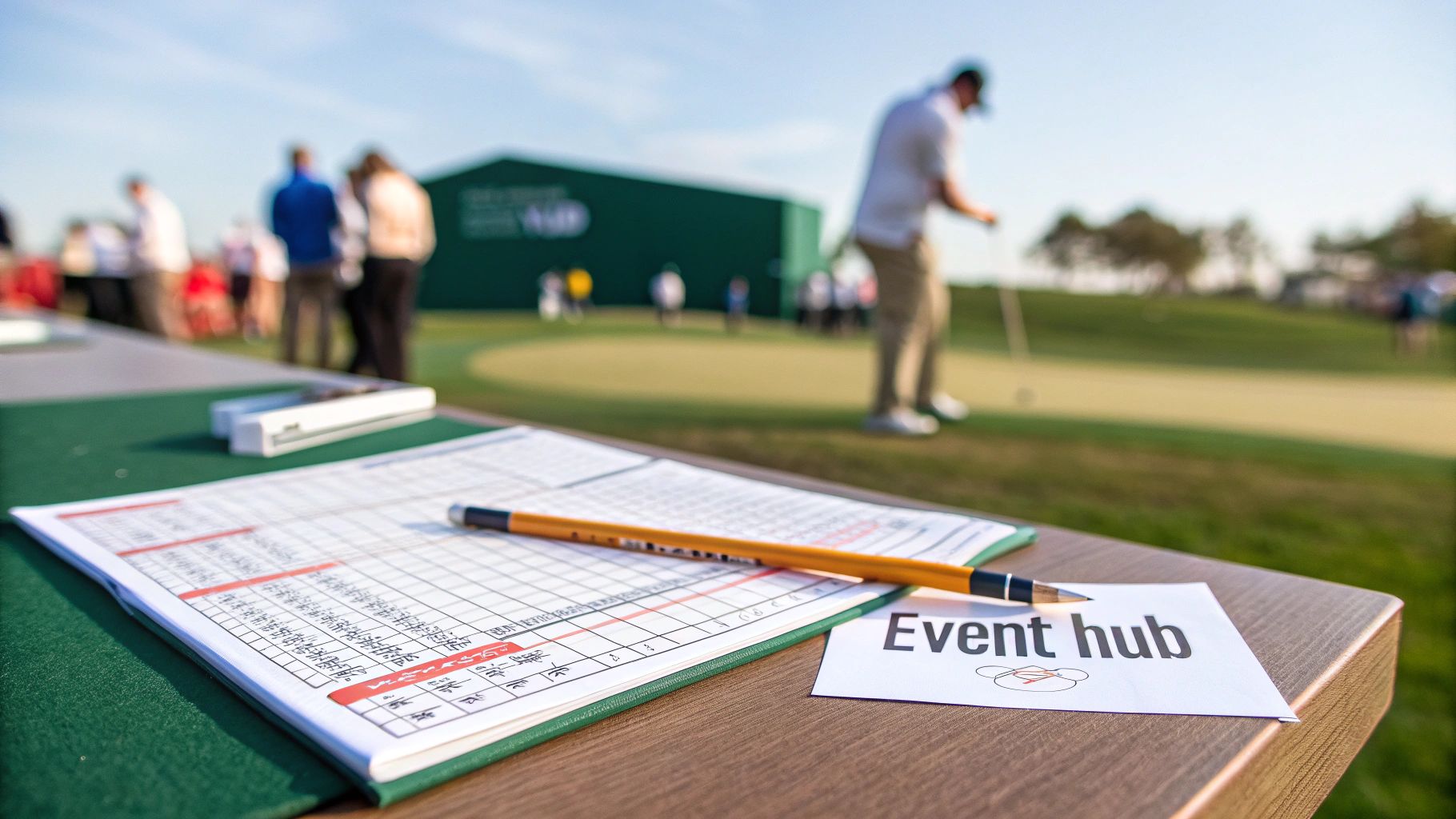
Stop thinking of a scorecard as just a tool for recording scores. It's the central piece of communication for your tournament. When a player picks it up, it should immediately feel organized and professional. It’s their guide for the next four hours, so absolute clarity is everything.
A cluttered or confusing card creates friction. It slows down play and can easily lead to scoring errors that cause headaches and frustration back at the clubhouse. No one wants that.
At its core, a fantastic scorecard has to do a few things really well:
Be an Information Hub: All the necessary data needs to be available at a glance—player names, handicaps, starting holes, and hole-by-hole details like par, yardage, and stroke index.
Act as a Brand Ambassador: The scorecard carries your event's branding and sponsor logos. It’s a tangible piece of your tournament's identity.
Function as a Practical Tool: It has to be easy to read, write on, and understand, no matter what scoring format you’re using.
Before we dive deeper, let's summarize the absolute must-haves for any scorecard, whether it's printed on paper or accessed on a phone.
Key Elements of an Effective Golf Scorecard
Element | Purpose | Best Practice Example |
|---|---|---|
Event & Course Info | Provides context and branding. | "The 2024 Club Championship" at "Pine Valley Golf Club" |
Player Names | Clearly identifies the scorer and fellow competitors. | Full names for all players in the group. |
Handicaps/Flights | Ensures scoring is applied correctly for net formats. | "Player A: 12 HC", "Championship Flight" |
Hole-by-Hole Data | Guides players through the course with essential info. | Hole #, Par, Yardage, and Stroke Index for each tee. |
Scoring Section | Provides a clear area for gross scores. | A simple grid with enough space to write numbers clearly. |
Totals & Signatures | Finalizes the round for official submission. | Designated boxes for Front 9, Back 9, Total, and signatures. |
Getting these basics right is the foundation of a scorecard that helps your event run smoothly instead of causing problems.
The Hybrid Approach for Modern Tournaments
The old debate of printed vs. digital scorecards is over. It's not an either/or decision anymore. The smartest way to run a modern tournament is with a hybrid approach that acknowledges different player preferences.
A well-designed printed card offers that classic, tangible experience many golfers still love. It doesn’t rely on a phone battery and just feels right to them.
But you can't ignore the benefits of digital. Live leaderboards, automatic calculations, and way less manual work for you, the organizer, are game-changers. The recent boom in golf participation has only accelerated this shift. With on-course participation in the U.S. hitting around 28.1 million golfers in 2024, courses need more efficient tools to manage the volume and keep the pace of play moving.
The most effective tournament organizers don't force one method on their players. They offer a choice: a high-quality printable PDF right alongside a simple, app-free digital scoring link. This strategy caters to everyone and future-proofs the event.
Physical Quality and First Impressions
For your printed scorecards, the physical quality is just as important as the information on them. A flimsy, poorly printed card feels cheap and can get ruined by a little morning dew or just being passed around the cart. The paper's weight and finish directly impact its durability and what players think of your event's quality.
Choosing a card stock that's thick enough to hold up for the entire round is a small detail that makes a big difference. If you're not sure where to start, learning a bit about understanding paper weight (GSM) can help you make a better choice. A sturdy, professionally printed scorecard shows you care about the details and elevates the entire player experience from the moment they check in.
Designing a Scorecard for Clarity and Impact
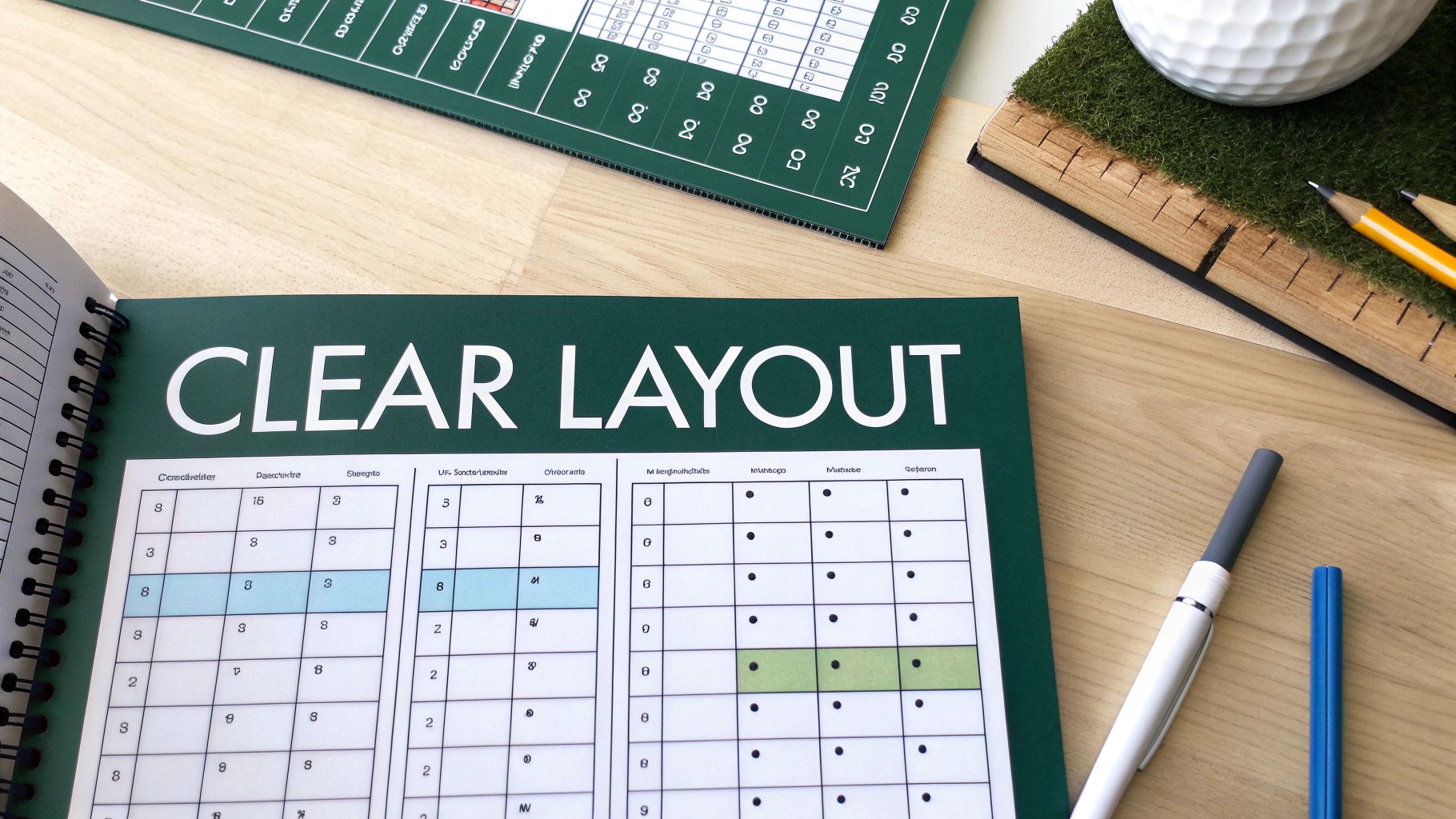
A scorecard is more than just a piece of paper; it’s the player's guide for the entire round. A confusing layout is a recipe for frustration, slow play, and scoring mistakes. The real goal is to design something that's instantly scannable, so a golfer can find what they need without a second thought.
This starts with a clear visual hierarchy. Player names, hole numbers, and par should jump off the page. Less critical details, like local rules or sponsor logos, can be there, but they shouldn't fight for attention.
The Anatomy of a Flawless Scorecard
Before you even think about fonts or logos, you have to get the fundamentals right. Every great scorecard is built on a foundation of essential data. If you miss one, you're just asking for confusion.
Make sure your layout has clear, dedicated space for these basics:
Player Identification: Pre-printed names for everyone in the group. No more sloppy handwriting.
Handicap Information: A dedicated spot for each player's course handicap.
Tee Box Designation: Clearly state which tees are in play (e.g., Blue, White, Red).
Hole-by-Hole Grid: This is the heart of the card. It needs columns for the hole number, yardage, par, stroke index (handicap), and a box for the score that's actually big enough to write in.
Summary Totals: You absolutely need separate boxes for the "Out" (front nine), "In" (back nine), and "Total" gross score.
And please, don't forget a prominent area for player and marker signatures. It’s a core rule of golf for a reason, and it needs to be easy to find.
Balancing Information and Readability
Once you have the essentials locked in, the next challenge is making it all readable. This is where so many scorecards drop the ball, trying to cram way too much onto a small card. Put yourself in the shoes of a player who’s just glancing down between shots.
Font choice is huge. Stick with a clean, sans-serif font like Helvetica, Arial, or Open Sans—they’re built for legibility. Stay away from fancy script fonts that are impossible to read in the sun. For key info, a font size between 9-11 points is the sweet spot.
Your best friend in design is white space. Don't be afraid to leave some breathing room around the scoring grid. This negative space helps the eye focus on what’s important and keeps the card from feeling cluttered.
A well-designed scorecard doesn't just show data; it guides the player's eye. Use subtle lines, alternating row colors (a light grey is perfect), and bold text to create separation and draw attention where it’s needed, all without creating a visual mess.
Strategic Branding and Sponsor Placement
For tournaments, scorecards are prime real estate for branding and giving sponsors some love. But you have to be smart about it. A scorecard plastered with logos is just an unreadable disaster.
The professional move is to place the main event logo at the top. Sponsor logos should be smaller and tucked away in less critical areas, like the bottom margin or the back of the card. This gives them visibility without getting in the player’s way. It’s one of those small details that make a big impact on the tournament experience.
Thinking this way can even boost your bottom line. Industry data shows that well-designed cards with features like yardage maps can increase ancillary spend by 8–15% per round. And integrating scorecards with GPS distances can cut round times by 5–12 minutes. That means happier players and more tee times. Smart design isn't just about looks—it's good business.
Weaving Scoring Formats and Side Games into Your Scorecard
A great scorecard is never one-size-fits-all. It needs to be flexible, adapting to the unique personality of your event—whether it's a serious stroke play championship or a laid-back scramble with friends. Think of the scoring format as the engine of your tournament; the scorecard is the dashboard, and it has to show the right information clearly.
Forgetting to match the scorecard to the format is a classic mistake, and it creates confusion right away. Imagine handing players a standard card during a two-person scramble. Where does the team score go? Who tracks what? That little bit of friction on the first tee can set a frustrating tone for the whole day.
Customizing for Different Scoring Formats
The design has to directly reflect how the game is scored. For a straightforward stroke play event, a simple grid works fine. But if you're running a net tournament, you need more than just a box for the gross score. The best scorecards for these events break it down with dedicated spaces for:
Gross Score: The actual number of strokes taken.
Net Score: The score after applying handicap strokes.
Points (Stableford): A separate column just for points, which makes totaling everything up at the end so much easier.
This simple separation keeps players from trying to do mental math in a tiny square, cutting down on errors and speeding up the post-round scoring. To ensure a level playing field, you'll obviously need to track handicaps, and you can always use a golf handicap calculator to get that sorted out.
Team events demand a complete layout change. A Scramble scorecard, for example, just needs a single line for the team's score. A Best Ball format is a bit more involved, needing individual lines for each player's gross score and a clearly marked box for the one "team" score that counts on each hole.
The goal is to eliminate guesswork. A player should be able to glance at the card and know exactly where every number goes without having to ask for clarification. Clear labels like "Team Score" or "Net Best Ball" are absolute must-haves.
Building Side Games and Contests into the Card
Let's be honest, side games are what make a lot of tournaments truly memorable. They add that extra layer of fun and friendly competition. But if you don't plan for them, tracking everything can become a real headache. The simplest, most elegant solution is to build them right into the scorecard.
Don’t force players to scribble notes in the margins. A well-designed card provides official, dedicated spaces for the most popular side contests.
Key Side Games to Include
Skins Game: Just add a small column next to the scoring grid where a player can circle a score that wins a "skin." This little visual cue makes it incredibly easy to see who won what at the end of the round.
Closest to the Pin (CTP): On the designated par-3 holes, include a specific line that says "Closest to the Pin:" with a blank space for a name and distance.
Long Drive: Do the same thing for your long drive hole by adding a line for the player's name. It’s a simple prompt that ensures it gets recorded officially.
When you build these elements directly into the design, you make participation automatic and tracking effortless. It also guarantees that all the contest info is turned in with the official, signed scorecard, which helps you avoid arguments later. And when you want to take this a step further with live leaderboards, having the right system is key. To see how this works, check out our guide on modern golf tournament scoring software—it makes handling complex formats and side games a breeze.
Common Scorecard Mistakes to Avoid
A great scorecard is the silent hero of a well-run tournament. But when it's bad, it's a loud problem. Even small oversights can create friction, turning a simple tool into a source of frustration for players and a headache for organizers.
A poorly planned card can undermine an otherwise perfect event, leading to scoring disputes, slow play, and a feeling that things just weren't buttoned up.
The good news? Avoiding these common pitfalls is easy once you know what to look for. It’s all about thinking like a player from the moment they grab the card to the second they sign it.
The Readability and Spacing Trap
This is probably the most common—and most avoidable—mistake. Organizers try to cram way too much information into a tiny space, and the whole thing becomes a cluttered, confusing mess. The two biggest culprits here are bad font choices and not leaving enough room to write.
Tiny, decorative, or script-style fonts might look fancy on a computer screen, but they are a nightmare on the course. In the glare of the sun, or for anyone without perfect vision, an 8-point script font is basically unreadable.
The same goes for scoring boxes. If they're too small, players are forced to scribble tiny numbers that get misread later. This single issue is a leading cause of wrong scores being entered. It’s a simple fix that prevents a lot of post-round arguments.
How to fix it: Stick with a clean, sans-serif font like Arial or Helvetica, and don't go any smaller than 10-point for the important stuff. Make sure your scoring boxes are big enough for someone to comfortably write a two-digit number with a pencil.
Missing or Incorrect Course Information
You’d be shocked how many scorecards get printed with outdated or just plain wrong information. This usually happens when someone grabs an old template and forgets to check with the course superintendent about the day's actual setup.
A classic error is printing yardages for the wrong tee boxes. If your event is from the blues but the card only shows the whites and reds, you’ve just created confusion and slowed down every single group. Another big one is getting the stroke index (handicap) for each hole wrong, which completely torpedoes any net scoring.
Your scorecard is the official record of the round. The information on it has to be 100% accurate for that day's setup. Always, always, always double-check everything with the head pro before you hit print.
Layouts That Ignore the Format
Please, don't hand out a standard stroke-play scorecard for a four-person scramble. This "one-size-fits-all" approach just doesn't work. It ignores how the game is actually being played and forces teams to invent their own scoring system in the margins. The result is a mess that’s impossible for your scorers to sort out later.
A format-specific layout isn't a "nice-to-have"—it's essential for clarity.
For a Scramble: All you need is one line for the team score on each hole. Simple.
For a Best Ball: You need a row for each player's gross score, plus a clearly marked row for the final "Team Score."
For a Net Event: Have separate, distinct columns for "Gross," "Handicap Strokes," and "Net Score." Don't make players do messy math in their heads.
The Ultimate Mistake: Failing to Test It
The biggest mistake of all? Not getting a second set of eyes on it. When you've been staring at a design for hours, you become blind to its flaws. What seems intuitive to you might be totally confusing to someone seeing it for the first time.
Before you send 200 scorecards to the printer, just give a draft to a couple of friends or fellow golfers. Ask them to pretend they're playing and show you how they'd fill it out. This simple "user test" is the single best way to catch weird spacing, missing info, or confusing layouts before it becomes a problem for every player in your tournament.
Generating and Distributing Your Scorecards
You’ve nailed down the design, and now it's time to actually get the scorecards into your players' hands. This is where all that planning pays off, turning your design into a tangible tool every single player will use. Gone are the days of wrestling with spreadsheet templates and mail merges—modern tools have made this part of the job remarkably efficient.
With a platform like Live Tourney, you can input your tournament details—player lists, pairings, handicaps, and any custom fields—and let the software handle the rest. This isn’t just about saving time; it's about eliminating the small mistakes that can derail an event.
Manually creating scorecards is a minefield of potential errors. The process is often confusing, the result is crowded, and there's rarely time to double-check everything.
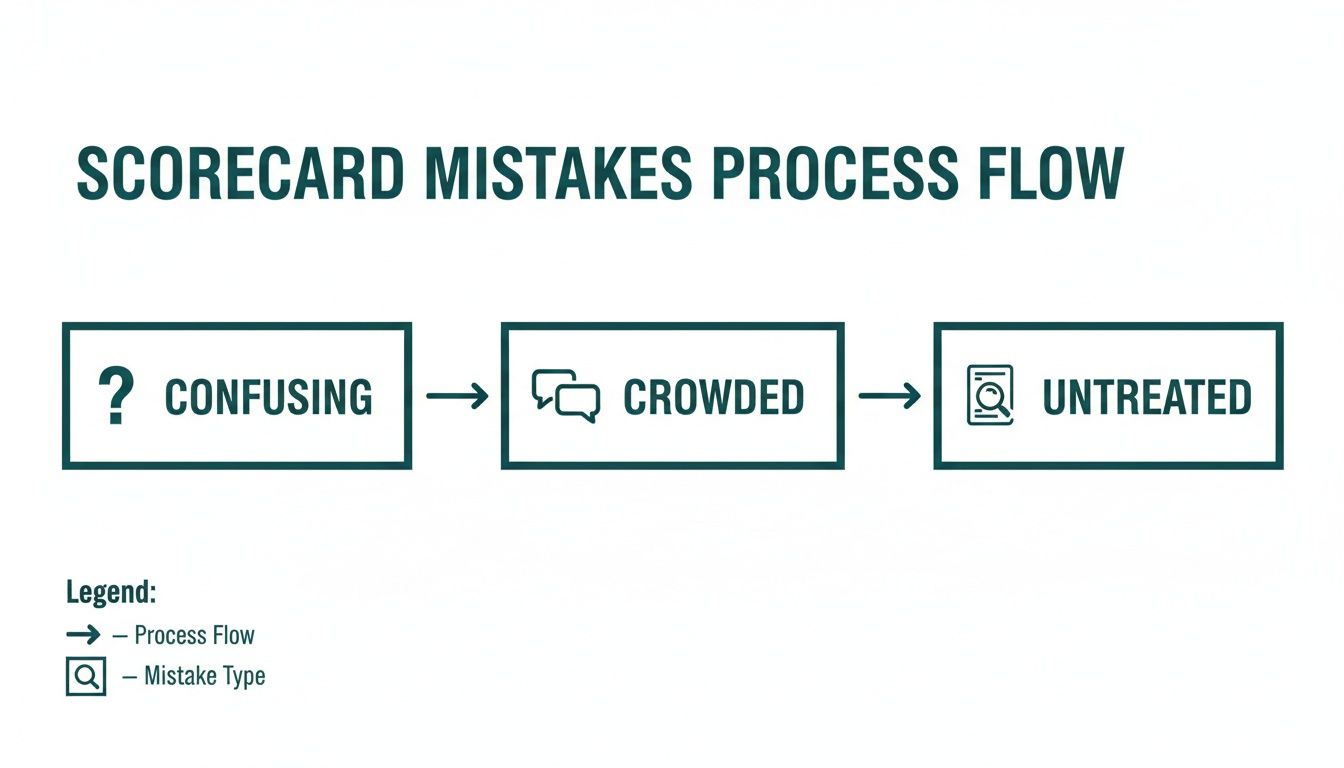
Automation helps you sidestep these common pitfalls and deliver a professional experience from the get-go.
From Digital Input to Printable Perfection
Getting your data into the system is the first step, and it should be simple. Most modern platforms let you upload a spreadsheet of your player roster, and the software automatically populates all the necessary info. This is a massive time-saver and drastically cuts down on typos or incorrect handicap calculations.
Once your data is loaded and pairings are set, you can generate a high-resolution, print-ready PDF with a single click. This file is perfectly formatted for professional printing, ensuring every card is crisp and clear.
The best part? The system automatically applies the correct course handicap to each player based on the tees they’re playing. No more manual lookups or last-minute math.
The real goal here is to move from setup to distribution in minutes, not hours. Automating the generation process means you can handle last-minute player changes without having to manually redesign and reprint a whole stack of cards.
Deploying App-Free Digital Scorecards
While printed cards are a tournament staple, the real energy comes from live, digital scoring. The beauty of an integrated system is that the same data powering your printed materials also fuels the digital experience. You do the work once, and it works everywhere.
With the click of a button, you can launch an app-free digital scorecard for your event. This is sent out with a simple, shareable link—no downloads, no sign-ups, and zero friction for your players.
Distribution is incredibly flexible:
Email: Send the link to all participants in a pre-tournament message.
Text Message: Drop the link in a group text the morning of the event.
QR Code: Display a QR code at the registration table for players to scan as they check in.
This hybrid approach is key to running a great modern tournament. It caters to players who prefer a traditional paper card while giving everyone the real-time benefits of live scoring. It’s the best of both worlds, and a well-planned distribution strategy is a core part of any smooth event, as this comprehensive golf tournament checklist points out.
The Bottom Line: Accuracy and Consistency
Ultimately, the biggest win from using a dedicated platform is the guarantee of accuracy. Manual data entry is a recipe for disaster. One wrong handicap can change the outcome of a net tournament, and a misspelled name just looks sloppy.
Automation delivers consistency across every single scorecard, whether it's printed or digital. Each player gets the right information, every time. This level of professionalism doesn’t just make your job easier—it builds trust with your players, letting them focus on the game instead of the logistics.
Frequently Asked Questions
Even the best-laid plans come with a few last-minute questions. When you're juggling sponsor logos, finalizing player lists, and just trying to make sure everything is perfect, a few things can get overlooked. Let's tackle some of the most common questions we hear from organizers.
Getting these details right is what separates a good event from a great one. It’s the final polish that makes all your hard work pay off.
How Far in Advance Should I Finalize My Scorecard Design?
My rule of thumb? Aim to have your final scorecard design locked in at least two weeks before the event.
If you're using a professional printer, this is non-negotiable. Printing and shipping can easily take 5-7 business days, and trust me, you don't want to be anxiously tracking a package the day before your tournament. Building in a two-week buffer gives you time to get proofs, make corrections, and have the finished product in hand with time to spare.
It also gives you a much-needed cushion for all those last-minute changes that always happen. A sponsor sends a new logo, a player drops out, or you need to update a handicap. That two-week window gives you breathing room to handle it all without panicking.
Now, if you’re going fully digital with your scorecards, your timeline is obviously shorter. Still, I’d recommend having everything set up in your tournament software at least a week out. This lets you test the scoring link, double-check the format, and get comfortable with the system so you’re not fumbling around on tournament day.
What Is the Most Important Information on a Tournament Scorecard?
Beyond the basic grid for scores, there are a few things that are absolutely critical. Getting these wrong creates instant confusion on the first tee. The must-haves are the event name and date, each player's full name, their specific course handicap, and the tee box they're playing from.
For the course information itself, every hole needs to clearly list:
The correct par
Yardage from the tournament tees
The official stroke index (handicap allocation)
And here’s a big one that people sometimes forget: a clearly marked space for signatures from both the player and their marker. Without it, you're opening the door to scoring disputes or even disqualifications under the Rules of Golf. Think of these details as the functional backbone of a legitimate scorecard.
Can I Use the Standard Course Scorecard for My Tournament?
I’ll be direct: avoid this if you can. Using the generic scorecard from the pro shop might seem like an easy out, but it’s a rookie move that signals a lack of preparation and creates a handful of practical headaches.
A standard course card is built for a casual round, not your specific tournament. It’s missing the custom details needed to run a smooth event, and it forces you and your players to do a lot of manual work that just slows things down.
Think about it. Those generic cards have no room for your event branding or, more importantly, your sponsors' logos. They also aren't built for your format. Imagine trying to cram a four-person scramble onto a card designed for individual stroke play—it’s a recipe for a mess.
Plus, players have to write in their own names and handicaps, which is a major bottleneck at registration and a huge opportunity for errors. Taking the time to create a custom scorecard is one of the easiest ways to elevate the player experience and ensure your scoring is accurate from the get-go.
Ready to create the perfect scorecard without the hassle? Live Tourney makes it easy to generate professional, accurate, and format-specific scorecards—both printable and digital—in just minutes. Eliminate manual errors and give your players a seamless experience from start to finish. Start your free trial today at livetourney.com.